Starting a scene
Your scenes are at the bottom of the Lights screen, each with its colors in stripes, so you can recognize it at a glance. One click on its name: the room moves into it smoothly. The one currently running is outlined in amber.

With the keyboard, on the Lights and Layout screens: 1 to 9 start your first nine scenes, in the order of the row.
Saving your own
- Set up the roomLight by light, or all at once, until you like it.
- Click “Save this scene”The button is above the row of scenes.
-
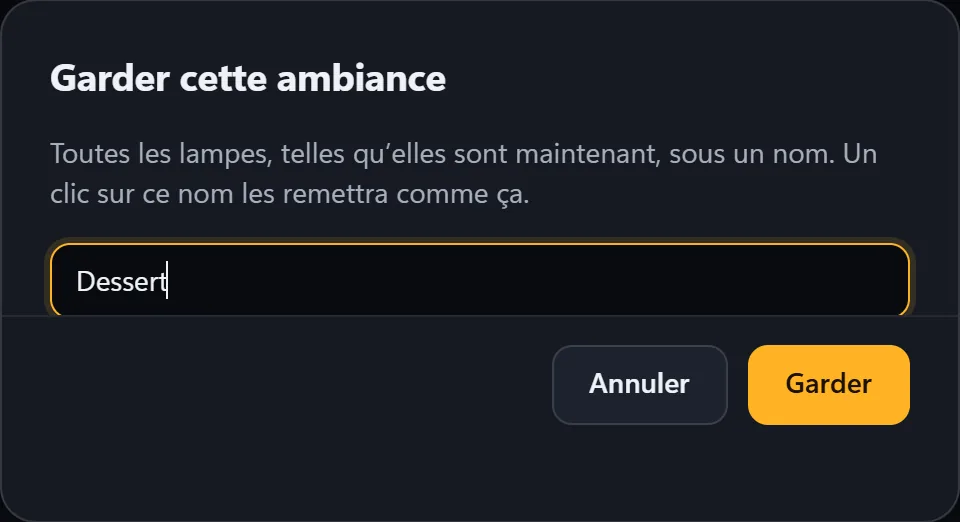
Give it a name, then “Save”
For example “Dessert” or “Guests arrive”. It joins the others.
Rename, replace, remove
- The small “⋯” buttonTo the right of the scene’s name.
-
Choose
Rename; Replace it with what is on now (to touch it up: start it, change the lights, then replace it); or Move to trash.
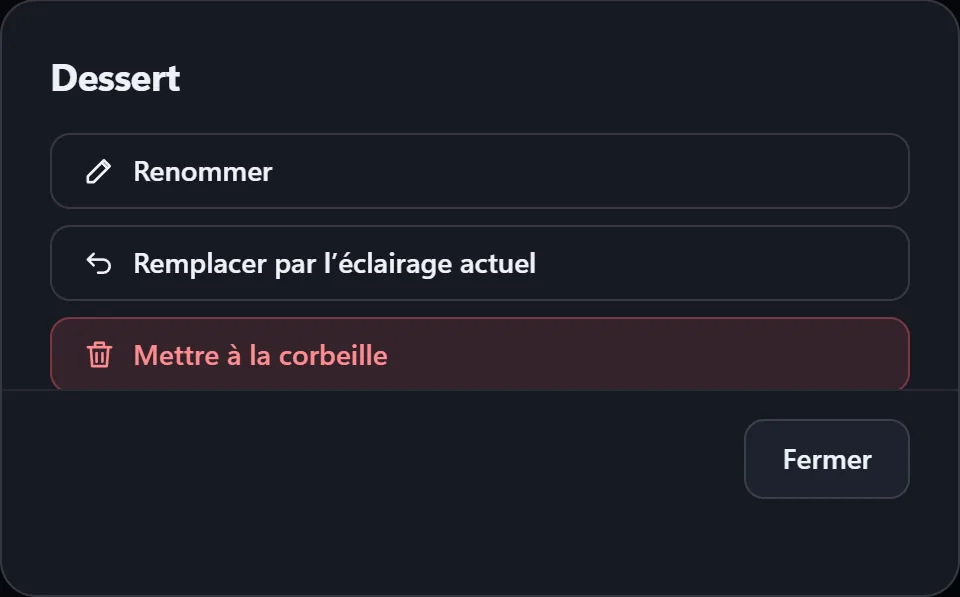
Nothing is erased: a scene moved to the trash can be restored from Settings, in the Scenes section.
The transition from one scene to the next
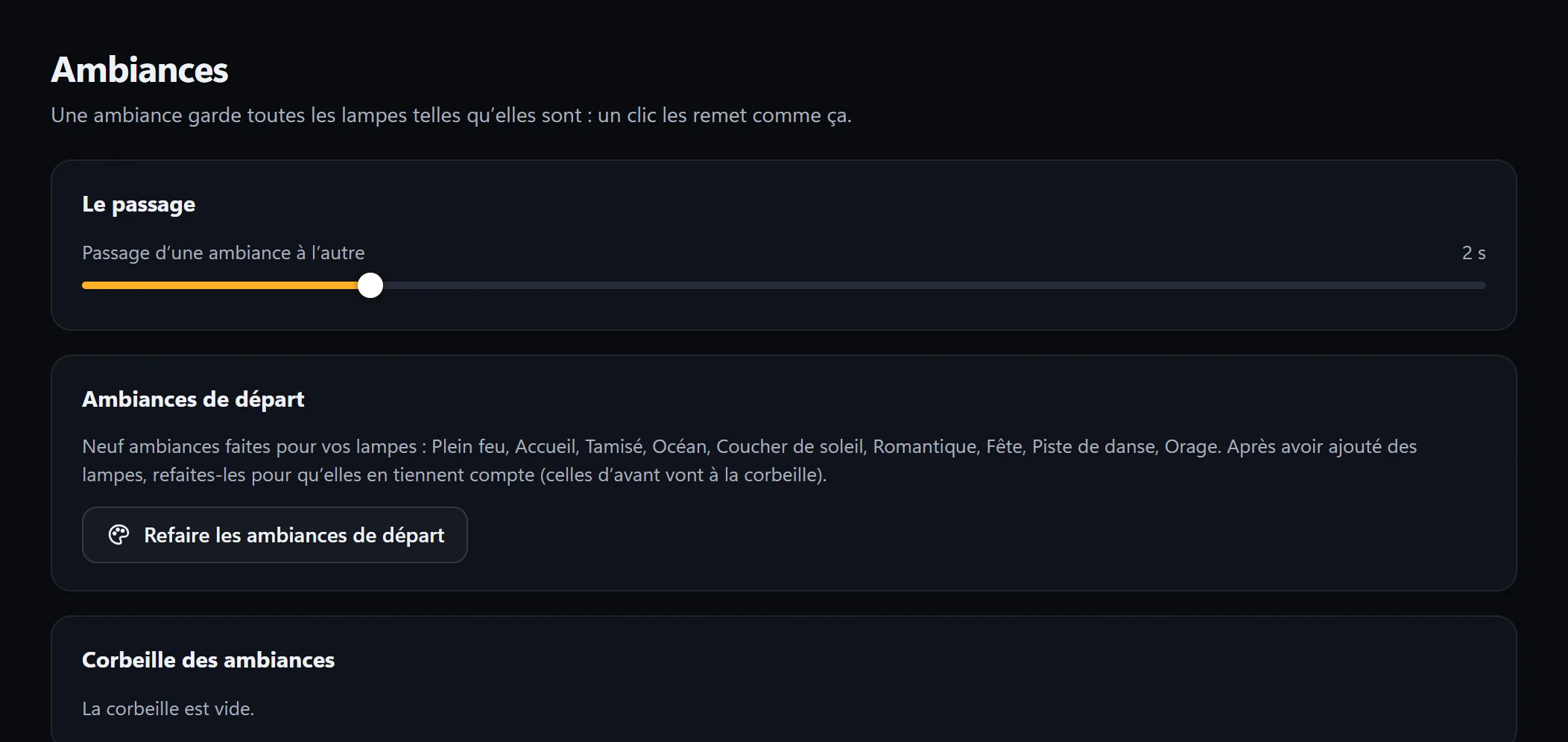
The room fades from one scene to the next: 2 seconds by default. This time is set in Settings, in the Scenes section, from “instant” to 10 seconds. That’s also where you rebuild the starter scenes after adding lights, and where you find the trash.
The nine starter scenes
Lumières builds them for your own lights: it knows which ones are fixed, which ones move and which ones are bars. You can try them in the demo room on the home page.
| Scene | The idea |
|---|---|
| Full on | Every light in white, at full brightness. |
| Welcome | A soft warm white, the bars in amber; the moving lights stay off. |
| Dimmed | Amber and orange, very soft; the bars in red. |
| Ocean | Breathing blues, the bars in a wave, the moving heads wandering at random. |
| Sunset | Orange and pink; the moving heads slowly turning in circles. |
| Romantic | Breathing pink and red; the moving heads in figure eights. |
| Party | A fast rainbow everywhere, the arms in a wave. |
| Dance floor | Multicolor, the bars in a chase, the arms in scissors. |
| Storm | Night blue, and white flashes across the whole room. |