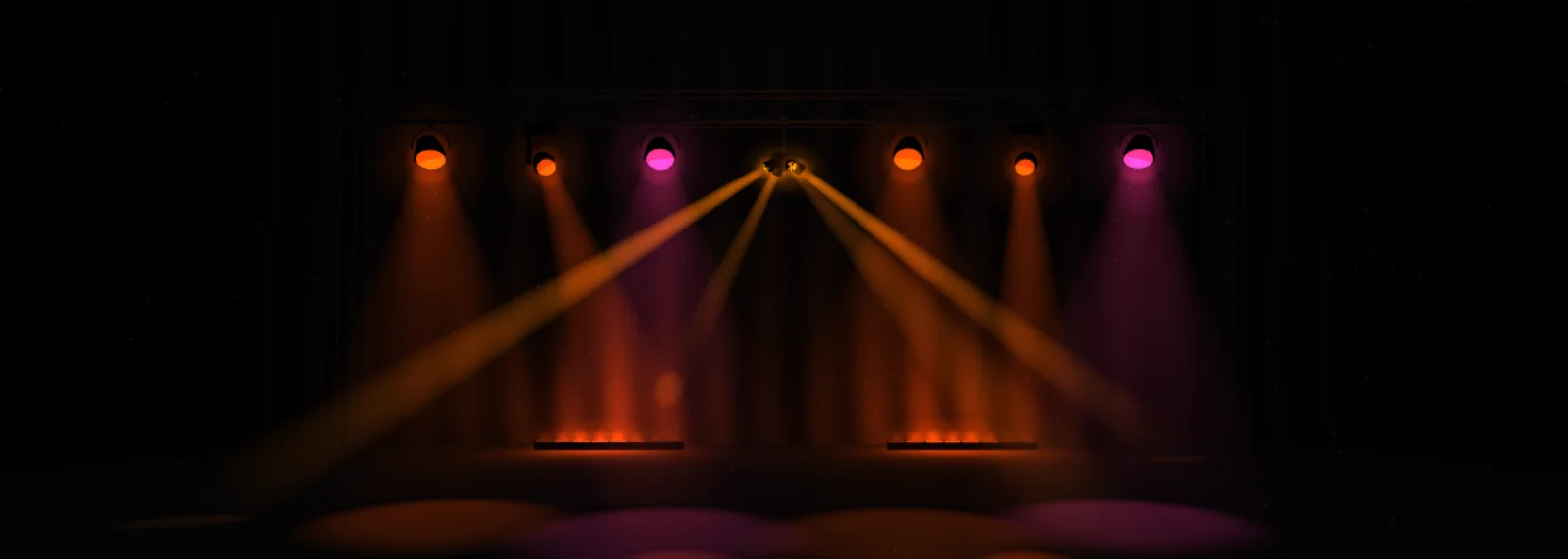
For Windows, with an Android remote control
Lumières
The simple lighting console.
Your spotlights by name, colors at a click, scenes you save. You don’t need to be a technician.
Demo room
Scenes click one to start it
Color for every light that is on
Movements press once to start, again to stop
In this scene, the moving lights are off: they move in the dark. Try “Ocean” or “Party”.
To the beat of the music
0:00Music composed for Lumières
Pause Resume The music couldn’t be played on this device.Here, your browser plays the music, and the room pulses on its beats: the ones Lumières finds in it. In the room, the PC or the phone listens to the music. How it works
Your device can’t show the animated room: the picture above gives you an idea. The rest of the page works just the same.
What it changes for you
Your lighting, no technician needed
For the restaurant that hosts evening events, the community hall, the local club, the wedding. For everyone whose job isn’t lighting.
Your lights by name
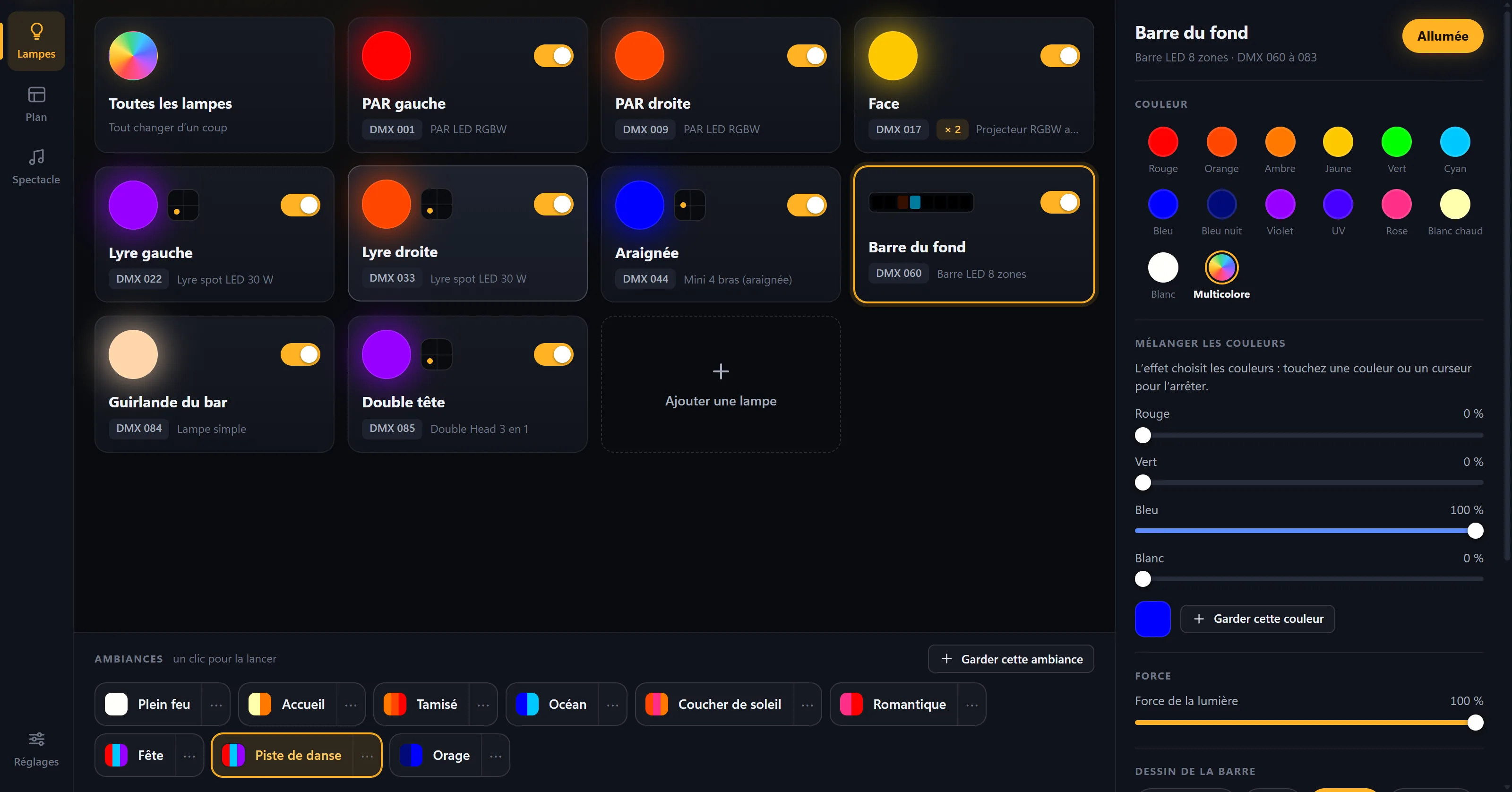
“PAR left”, “Bar moving head”: every spotlight carries the name you give it. One click, and it changes color.
A scene in one click
Nine scenes ready for your lights. The ones you create are saved under a name, and the room moves into them smoothly.
The room in your pocket
Your phone becomes the remote control, over the room’s Wi-Fi. No more staying next to the PC.
Nothing turns on by accident
Lasers and risky channels stay blocked, no matter what. When you close the software, everything turns off.
The screen
Designed for dim rooms
A dark console where only the lights shine. Each card shows live what its light is doing.
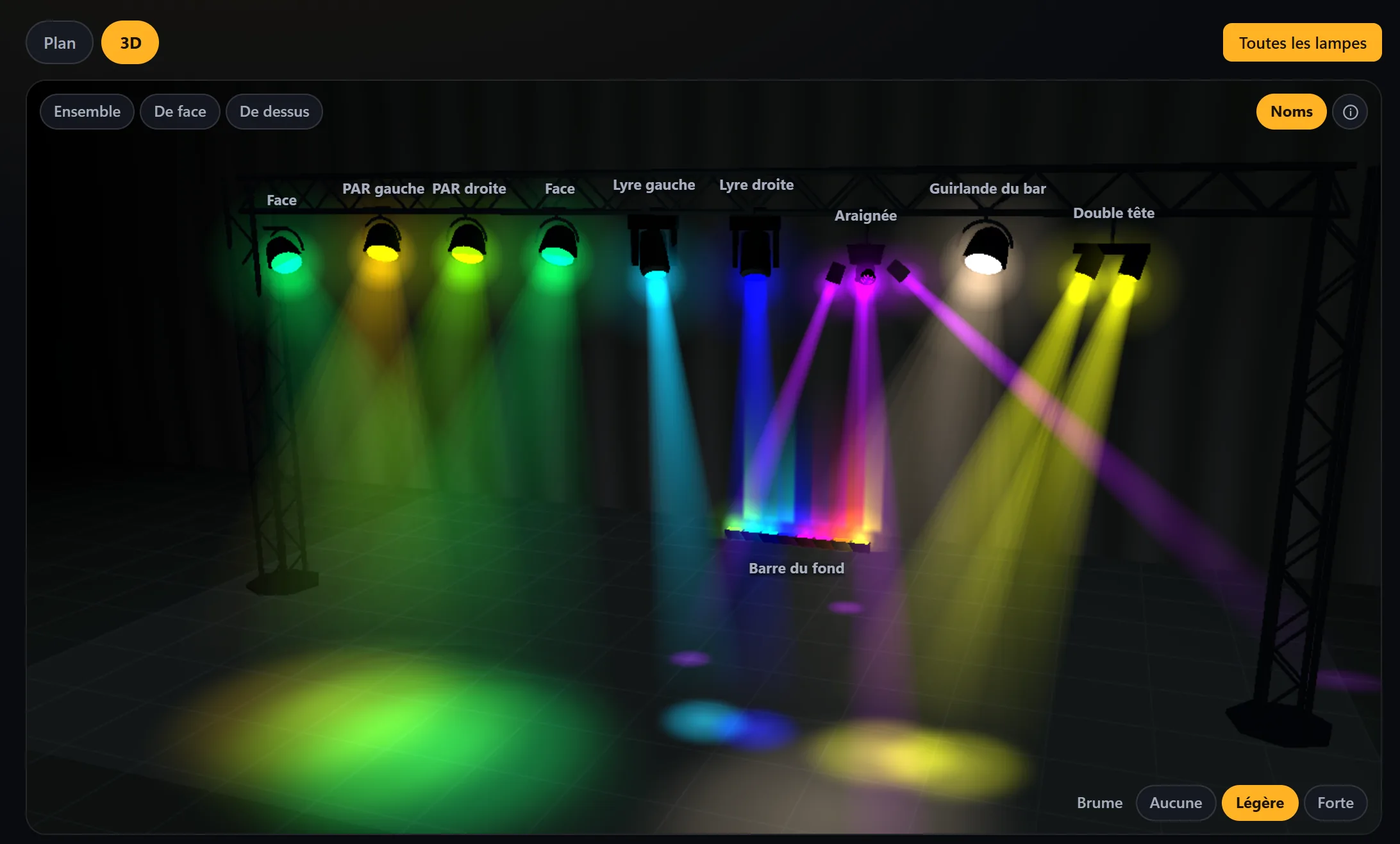
The room layout, in 3D
Your room, before the evening
Hang your lights on the layout: one click, and the room appears in three dimensions, with their beams in the haze and the colors really being sent to them. You can rotate around it and view it from the front or from above.
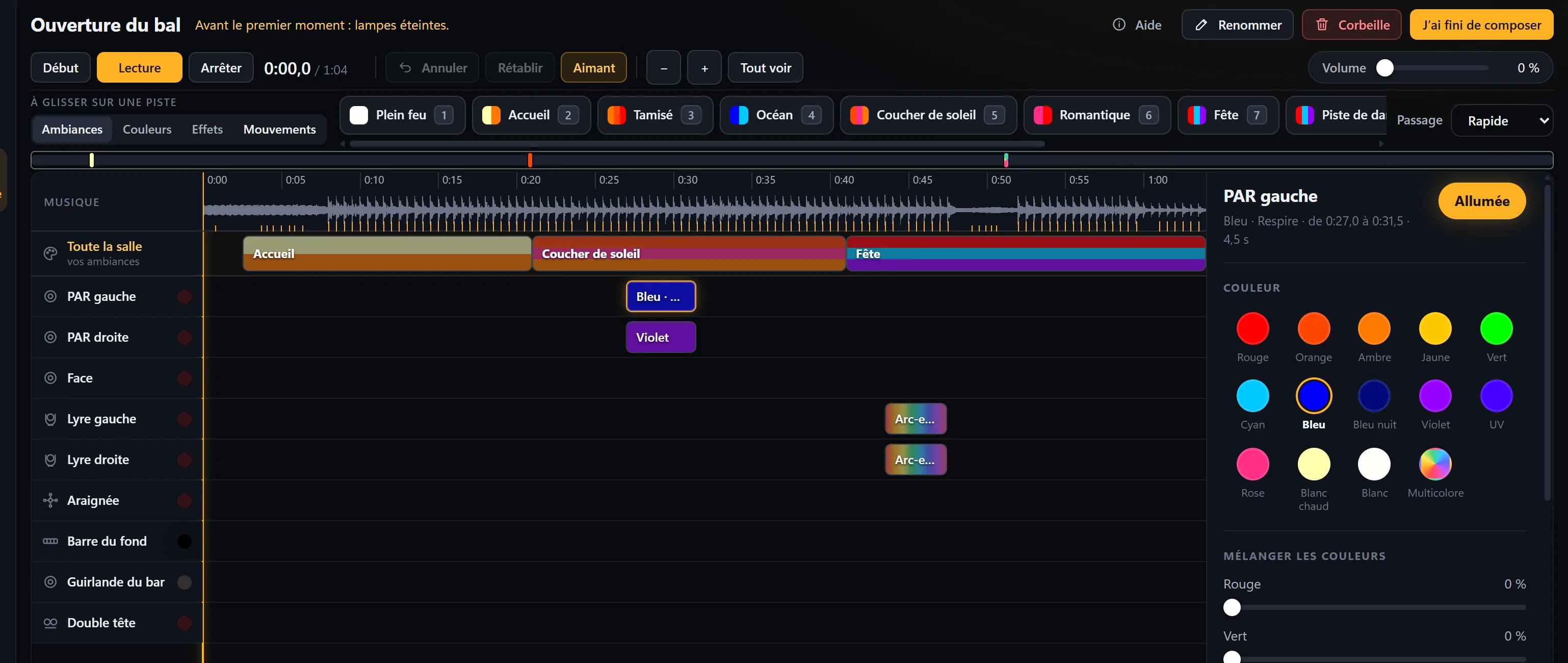
The show
Music and lights, together
Place your lights on a piece of music with the mouse, as in music software: your scenes for the whole room, and one track per light to go further. On the night, a single button starts both: the lights stay locked to the music, even when paused.
The remote control
Control it from the dance floor
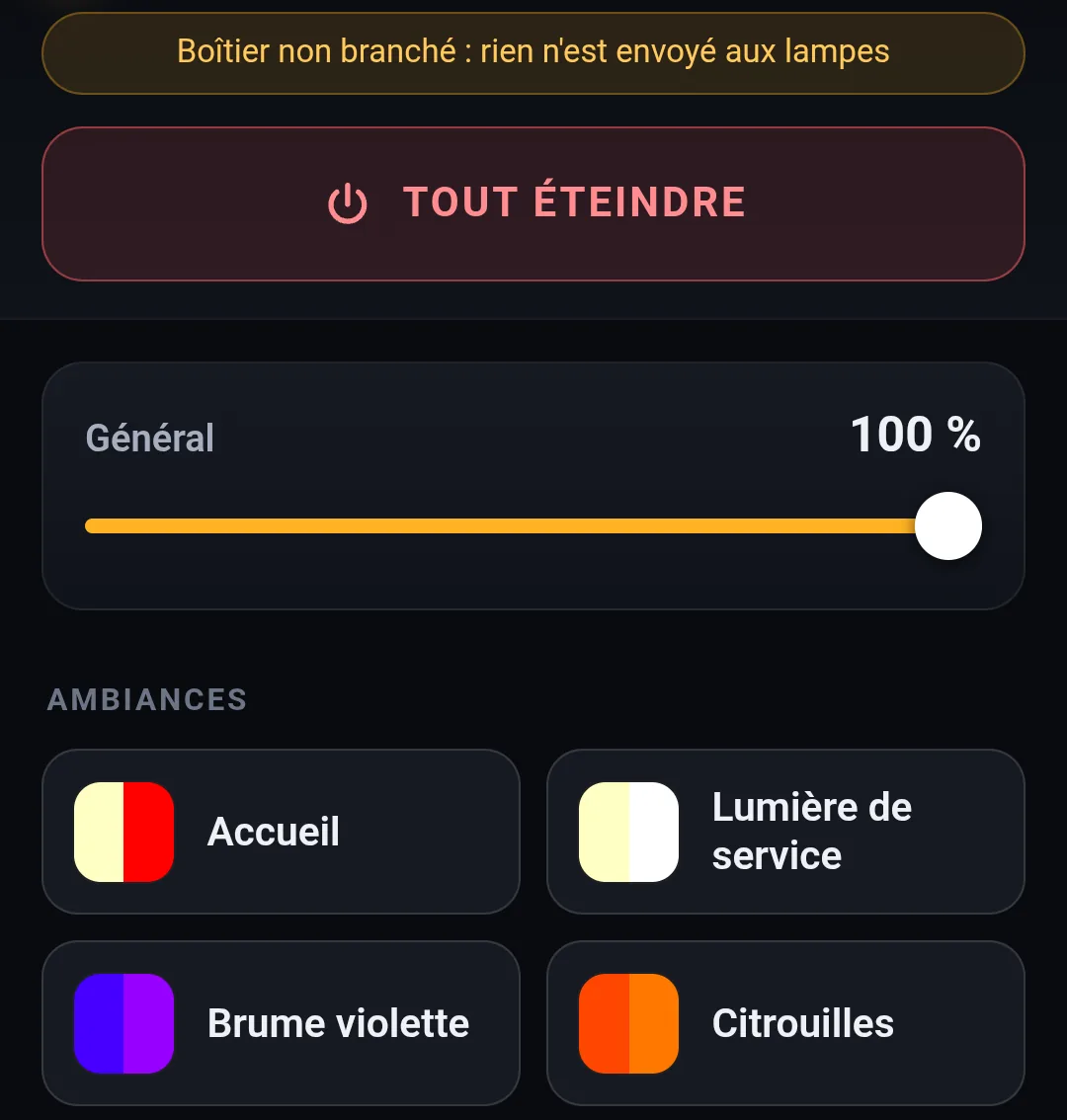
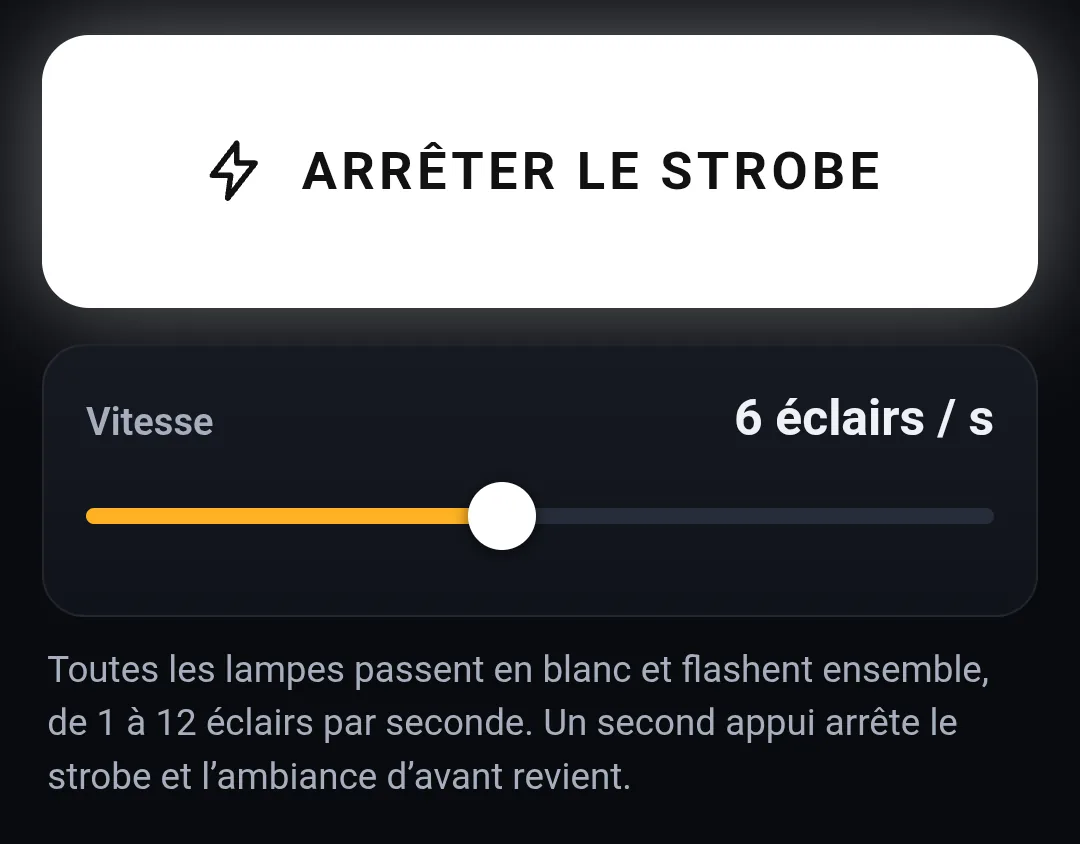
The Android app controls the room over Wi-Fi: your scenes, Blackout, the show, the strobe, and lights to the beat of the music. A six-digit pairing code links it to the PC, once and for all.
Getting started
Three steps, and the room is yours
Connect the DMX interface
A USB-DMX interface links the PC to the lights, chained one after another behind it.
Add your lights
Its model, a name, its address: each light blinks to confirm.
Start a scene
Nine scenes made for your lights are waiting for you. Change them, save your own.
Pricing
One subscription, a single offer
€9.99per month, VAT included, for one PC
First month as a trial
No commitment: stop whenever you like.
Coming soon
Everything explained, step by step
From connecting the interface to your first show, with real screenshots of the software.